What should I look for in a cartoon voice generator?
Choose a tool with voices modelled on specific characters rather than generic pitch-shift filters. On VoiceMax each cartoon voice has its own page tuned to that character's tone, speed and catchphrase style, with sample audio you can play before generating. Character-specific voices sound far more recognisable than a chipmunk or deep-voice effect applied to standard text to speech.
Are the cartoon voices suitable for kids' videos?
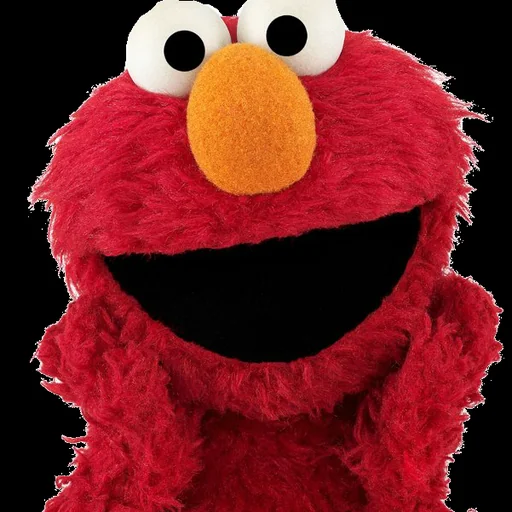
Yes, several cartoon voices suit children's content. Mickey Mouse, Goofy and Elmo have gentle, family-friendly deliveries that work for birthday messages, bedtime routines and tidy-up reminders. Keep the script positive and simple, generate it as an MP3 and play it on any phone or speaker; a 200-character reminder fits easily within the free plan limit.
How can cartoon characters talk to each other?
Generate each character's lines on that character's page, then combine the clips in an editor. Download the separate MP3 files and arrange them in turn on your video or audio timeline. Short pauses between clips make the exchange sound natural, and any single line can be regenerated until the timing feels right.
Can I use the cartoon voice generator for free?
Yes — a free VoiceMax account includes 10,000 characters a month, no credit card needed. That monthly allowance covers dozens of short cartoon lines, with up to 500 characters per generation on the free plan. Paid plans from $4.90/month raise the per-generation limit for longer skits and fan animations.
Which cartoon voices are in the library?
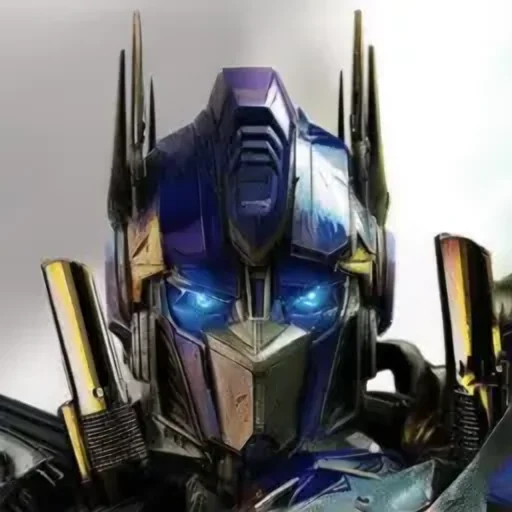
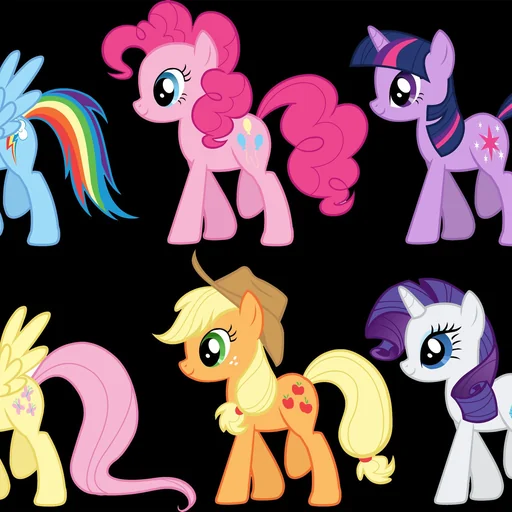
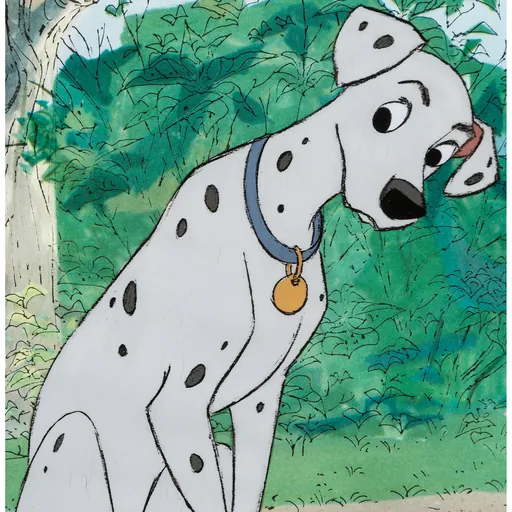
The cartoon category includes SpongeBob, Peter Griffin, Mickey Mouse, Goofy, Elmo, the Grinch, The Loud House, My Little Pony, Perdita, Sonic, Jinx, Optimus Prime and the BFDI Announcer. Each character has a page with sample audio and script ideas. The library keeps growing, so the table on this page always shows the current list.
Can I voice a fan animation with cartoon voices?
Yes, cartoon voices are well suited to non-commercial fan animations. Write the dialogue scene by scene, generate each line as an MP3 and import the files into your animation software for lip-sync. Free accounts can generate 500 characters at a time, and paid plans from $4.90/month allow longer passages in one generation.
Can cartoon character voices be used commercially?
No, cartoon character voices cannot be used in ads, branded videos, merchandise or client projects. They are meant for parody, fan content and personal messages. For a commercial cartoon or explainer, design an original character voice with Voice Design on the Starter plan or higher, or clone a voice you own from a 5–30 second sample.
Do I need a microphone to make cartoon voices?
No, you only need to type. The generator turns written text into a cartoon voice, so there is no recording, no voice acting and no background noise to clean up. Generated clips arrive as MP3 files a few seconds after you click Generate and can be regenerated with edited text as often as needed.
How do I make a cartoon voice sound more like the character?
Write the script in the character's own style. Use their catchphrases, exclamations and sentence rhythm, add exclamation marks for energetic characters like SpongeBob, and keep lines short. Punctuation controls pauses, so commas and ellipses shape the delivery. Each cartoon voice page lists sample scripts already written in that style, which make a good starting point.
Can cartoon voices speak languages other than English?
Yes, cartoon voices can read 10 languages, including English, Spanish, Japanese and Chinese. Type a line in Spanish, Japanese or another supported language and the character keeps its familiar tone. English usually sounds closest to the original cartoon, but other languages work well for multilingual memes and family messages.