
Yoda Voice Generator & Yoda Translator
First rearrange your words into Yoda speak, then let this Yoda voice generator read them in a croaky, centuries-old Jedi-master voice inspired by Yoda. One click converts the grammar, another generates the audio, and the MP3 downloads within seconds, free to try. Star Wars memes, birthday greetings and cosplay are natural fits.
Yoda AI voice on VoiceMax is an AI recreation for parody, commentary and fan content. VoiceMax is not affiliated with or endorsed by Lucasfilm or Disney.
Yoda Translator
Listen to samples
Yoda AI Voice: Key Facts
| Voice style | Small, gravelly and wise, using inverted object-subject-verb word order |
|---|---|
| Best for | Star Wars memes, birthday greetings, cosplay, May the 4th clips |
| Languages | Character voice: 10 languages (English, Spanish, Japanese +7). Voice cloning: 600+ languages. |
| Output | MP3 download |
| Free to try | 10,000 characters per month |
| Generation time | 10 seconds for a 200-character line |
| Not for | Impersonation, scams, ads or anything presented as a real statement |
What Does Yoda Sound Like?
Small, gravelly and a little croaky, the Yoda AI voice sounds ancient yet kind, with a quiet chuckle never far away. It takes its time, turns sentences inside out ("Strong in you, the snack cravings are") and trails off with a gentle "hmm". Word order is half of the character, so this page pairs the voice with a Yoda translator.
Who Is Yoda?
Yoda is the legendary Jedi Master of the Star Wars films, introduced in The Empire Strikes Back in 1980. Puppeteered and voiced by Frank Oz, he is known for his tiny stature, deep wisdom and back-to-front sentences, a speech pattern that has become one of the most imitated in popular culture.
Yoda Translator — Convert Text to Yoda Speak
Write an ordinary sentence in the Yoda translator and press Convert: it reorders the words into Yoda speak, putting the complement up front, the subject next and the verb at the end. From there, one more click generates it in Yoda's voice. For captions, cards and memes, it's the quickest way to convert to Yoda speak.
Yoda Voice Changer & Text to Speech
Already comfortable writing in Yoda speak? Paste your line directly into Yoda text to speech and generate. This Yoda voice changer workflow suits cosplay dialogue, Star Wars fan films and May the 4th posts.
How to Speak Like Yoda
Speaking like Yoda comes down to three moves: put the most important idea first, push the verb to the end and close with a thoughtful "hmm". So "I will finish my homework" turns into "Finish my homework, I will. Hmm."
Yoda Voice Lines & Script Ideas
Birthdays
- “A happy birthday, you will have. Much cake, I sense.”
- “Older you are. Wiser, also, hmm. Perhaps.”
Memes
- “Strong with the snacks, this one is.”
- “Do the dishes, you must. Escape them, you cannot.”
Motivation
- “Patience, young one. Pass the exam, you will.”
Cosplay
- “Small, I may be. Late for the convention, I am not.”
How to Make a Yoda AI Voice
- Add your script — Type or paste up to 5,000 characters per generation (500 on the Free plan), or start from a script idea above.
- Click Generate — In about 10 seconds the Yoda AI voice reads it back.
- Export — Preview the take and save the MP3 for your edit, stream or soundboard.
Best Ways to Use the Yoda AI Voice
- Star Wars memes and May the 4th content
- Birthday cards and voice greetings
- Cosplay lines and fan films
- Social captions rewritten in Yoda speak
Related Voices
Darth Vader AI Voice
A slow, booming Sith-lord delivery with a hint of helmet hiss
James Earl Jones AI Voice
Booming, stately bass for narration that commands the room
The Grinch AI Voice
Sneering, grumpy Christmas grouch voice
Goofy AI Voice
A lovable, bumbling cartoon dog with a famous laugh
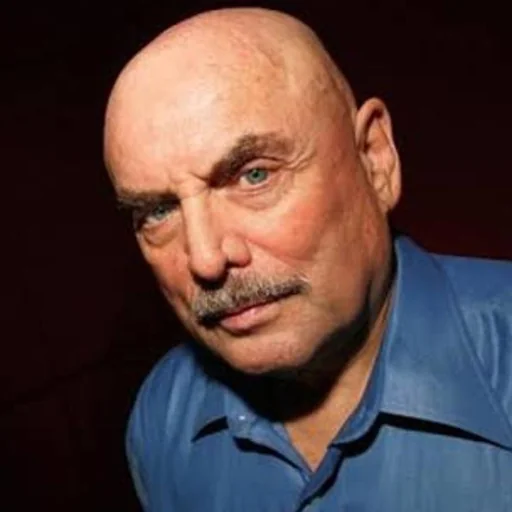
Movie Trailer Voice AI Voice
Blockbuster "In a world..." narrator with gravel and gravitas
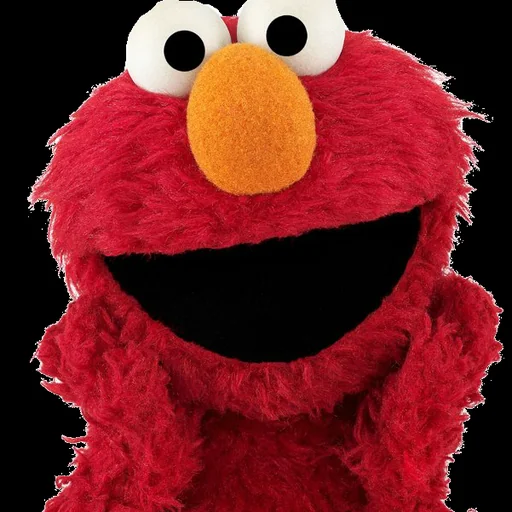
Elmo AI Voice
A tiny red Muppet who giggles and calls himself Elmo
Yoda AI Voice FAQ
How do I translate text into Yoda speak?
How do I make a Yoda AI voice?
Is the Yoda voice generator free?
How do I speak like Yoda myself?
Does the Yoda translator always get the grammar right?
What lines work best in the Yoda voice?
Can I make a Yoda birthday message?
How long can a Yoda voice clip be?
Can I use the Yoda voice for May the 4th videos on TikTok or YouTube?
Can I use the Yoda voice for a product or business promotion?
Can I use the Yoda AI voice commercially?
Is this the official Yoda voice?
Try More AI Voices
Browse every celebrity and character voice and find the right one for your next clip.