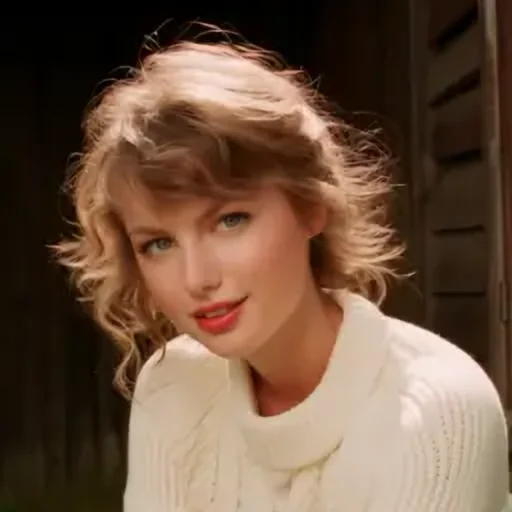
Taylor Swift AI Voice Generator
The Taylor Swift AI voice on VoiceMax speaks your text in a bright, friendly, cheerful tone modeled on how Taylor Swift talks. Write a message, click Generate, and the MP3 is ready to download within seconds, free to try. Fans use it for edits, Eras-themed party messages and birthday notes.
Taylor Swift AI voice on VoiceMax is an AI recreation for parody, commentary and fan content. VoiceMax is not affiliated with or endorsed by Taylor Swift.
Listen to samples
Taylor Swift AI Voice: Key Facts
| Voice style | Warm and upbeat conversational tone with a smile in it |
|---|---|
| Best for | Fan edits, party messages, birthday notes |
| Languages | Character voice: 10 languages (English, Spanish, Japanese +7). Voice cloning: 600+ languages. |
| Output | MP3 download |
| Free to try | 10,000 characters per month |
| Generation time | 10 seconds for a 200-character line |
| Not for | Impersonation, scams, ads or anything presented as a real statement |
What Does Taylor Swift Sound Like?
This is a warm, bright female speaking voice that feels chatty and personal, as if the words were spoken with a smile. It reads like a direct message to a friend rather than a stage performance, which makes it a natural fit for thank-you notes, greetings and fan edits.
Who Is Taylor Swift?
Taylor Swift is an American singer-songwriter who began in country music, crossed over to pop and became one of the best-selling musicians ever. Her Eras Tour set the record as the highest-grossing concert tour in history.
Taylor Swift Voice Lines & Script Ideas
Messages
- “Hi! I just wanted to say happy birthday — I hope this year is your favorite era yet.”
- “Thank you so much for coming tonight. You made this the best party ever.”
Fan edits
- “Every chapter has a soundtrack. This one's yours.”
How to Make a Taylor Swift AI Voice
- Add your script — Type or paste up to 5,000 characters per generation (500 on the Free plan), or start from a script idea above.
- Click Generate — In about 10 seconds the Taylor Swift AI voice reads it back.
- Export — Preview the take and save the MP3 for your edit, stream or soundboard.
Best Ways to Use the Taylor Swift AI Voice
- Fan edits and Eras-themed videos
- Birthday wishes and party announcements
- Thank-you notes and audio greeting cards
Related Voices
Drake AI Voice
Laid-back, melodic Toronto rap-style voice
Hatsune Miku AI Voice
Crisp, high-pitched virtual-idol speaking voice
Mickey Mouse AI Voice
Sunny cartoon falsetto with that famous laugh
Siri AI Voice
Crisp, courteous voice-assistant delivery

MrBeast AI Voice
Hyped, rapid-fire YouTuber voice for challenges and giveaways
Snoop Dogg AI Voice
Unhurried West Coast drawl, silky and slow
Taylor Swift AI Voice FAQ
How do I make a Taylor Swift AI voice?
Can the Taylor Swift AI voice sing her songs?
Is the Taylor Swift AI voice generator free?
What messages sound most like Taylor Swift?
Can I make a Taylor Swift birthday message for a fan?
Can I use the Taylor Swift AI voice in TikTok or Instagram edits?
How long can a Taylor Swift AI voice message be?
What format do I get when I download?
Can I make Taylor Swift AI voice clips on my phone?
Is there a voice like this I can use for business?
Can I use the Taylor Swift AI voice commercially?
Is this the official Taylor Swift voice?
Try More AI Voices
Browse every celebrity and character voice and find the right one for your next clip.