
Bonzi Buddy TTS (Bonzi Buddy Voice)
Bonzi Buddy TTS on VoiceMax brings back the upbeat, robotic voice of the purple gorilla that lived on so many early-2000s desktops. Paste any text, press Generate and you get an MP3 within seconds, free to try. It suits meme clips, retro-internet videos and nostalgia edits.
Bonzi Buddy AI voice on VoiceMax is an AI recreation for parody, commentary and fan content. VoiceMax is not affiliated with or endorsed by Bonzi Software.
Listen to samples
Bonzi Buddy AI Voice: Key Facts
| Voice style | Upbeat, faintly squeaky robotic male speech from the dial-up era |
|---|---|
| Best for | Memes, retro-internet videos, nostalgia edits |
| Languages | Character voice: 10 languages (English, Spanish, Japanese +7). Voice cloning: 600+ languages. |
| Output | MP3 download |
| Free to try | 10,000 characters per month |
| Generation time | 10 seconds for a 200-character line |
| Not for | Impersonation, scams, ads or anything presented as a real statement |
What Does Bonzi Buddy Sound Like?
Think of the speech synthesizers bundled with Windows 98 and XP. The Bonzi Buddy voice is a male, mechanical voice that stays relentlessly cheerful, with abrupt pitch jumps, short clipped syllables and a slight squeak on stressed words. Because every sentence gets the same eager tone, grim or absurd lines sound funnier, and anyone who used a PC around 2000 recognizes it instantly.
What Is BonziBuddy?
Bonzi Software launched BonziBuddy in 1999 as a free virtual assistant: an animated purple gorilla that sat on the Windows desktop, cracked jokes, sang and read text aloud through a Microsoft Agent-era speech engine. Security researchers later flagged it as adware and spyware, yet the character's distinctive voice lived on as a retro-internet meme.
Bonzi Buddy Voice
Nothing says early internet like this voice. Drop it into Windows XP throwback edits, old-computer memes or retro tech reviews, or use it to read out a friend's message as if a 2002 pop-up assistant were delivering it.
Bonzi Buddy Text to Speech
Any text you paste comes back in that flat, robotic cadence. Creative misspellings change how words are pronounced, a trick the original fan community used for years to make the gorilla say strange or funny things.
Bonzi Buddy Voice Lines & Script Ideas
Retro memes
- “Hello! I am BonziBuddy! Would you like to hear a joke?”
- “I have detected that you have been on the computer for nine hours.”
Nostalgia
- “Welcome back! Your dial-up connection is ready.”
- “Did you know? Clicking things is fun!”
Dark jokes
- “I am your friend. I will always be on your desktop. Always.”
How to Make a Bonzi Buddy AI Voice
- Type it in — Enter the text Bonzi Buddy should read; the Free plan takes 500 characters per generation, paid plans 5,000.
- Generate — The AI voice finishes a 200-character line in about 10 seconds.
- Download and use — Save the MP3 and add it to TikTok, YouTube, Discord or any editor.
Best Ways to Use the Bonzi Buddy AI Voice
- Retro-internet meme clips
- Old-PC and nostalgia videos
- Dark-humor and absurd edits
- Discord soundboard sounds
Related Voices
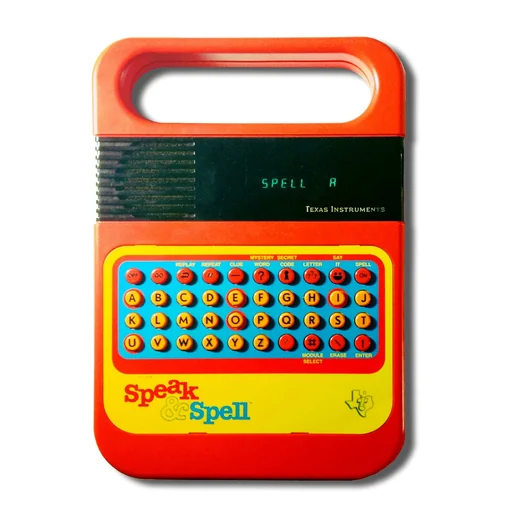
Speak & Spell AI Voice
Crunchy, lo-fi talking-toy voice straight from 1978

Stephen Hawking AI Voice
The flat, robotic sound of a 1980s speech synthesizer

Siri AI Voice
Crisp, courteous voice-assistant delivery

Trollge AI Voice
Cavernous, distorted, demonic voice for meme horror

Quandale Dingle AI Voice
Absurdly confident, goofy meme voice
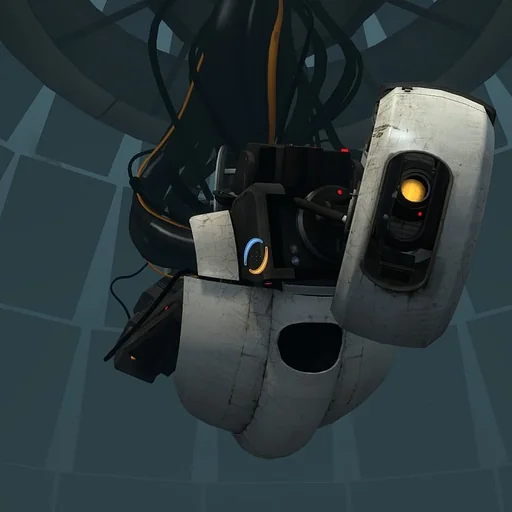
GLaDOS AI Voice
Politely menacing AI voice with a processed, robotic shimmer
Bonzi Buddy AI Voice FAQ
What voice does Bonzi Buddy use?
How do I make a Bonzi Buddy TTS clip?
Is Bonzi Buddy TTS free?
Can I make Bonzi Buddy say funny or misspelled words?
Can I use the Bonzi Buddy AI voice commercially?
Is this the official Bonzi Buddy voice?
Is Bonzi Buddy TTS the same as Microsoft Sam?
What are good Bonzi Buddy TTS script ideas?
Can I use Bonzi Buddy TTS on Discord?
What audio format does Bonzi Buddy TTS download in?
Is Bonzi Buddy safe to download today?
Can Bonzi Buddy TTS read other languages?
Try More AI Voices
Browse every celebrity and character voice and find the right one for your next clip.